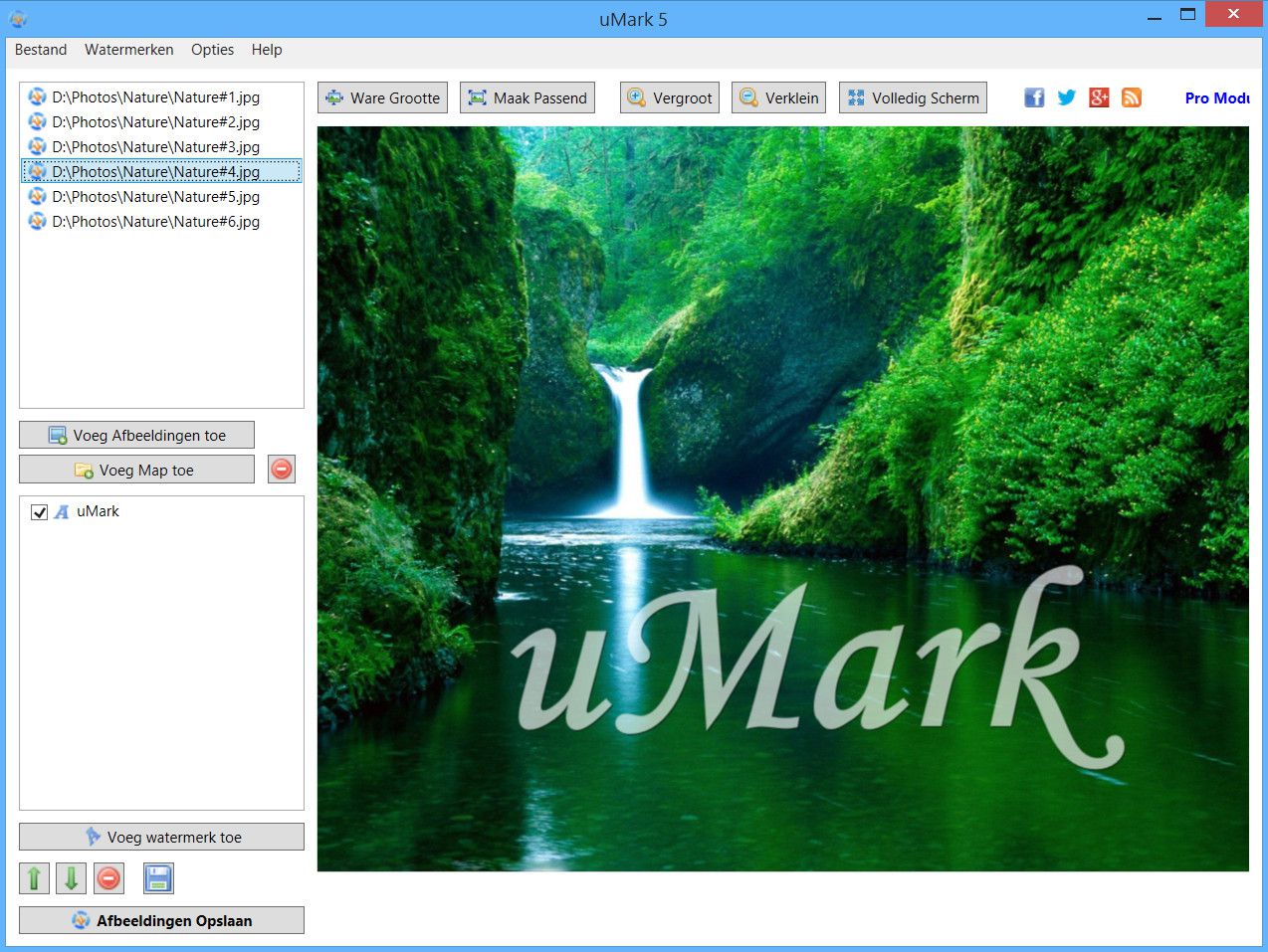
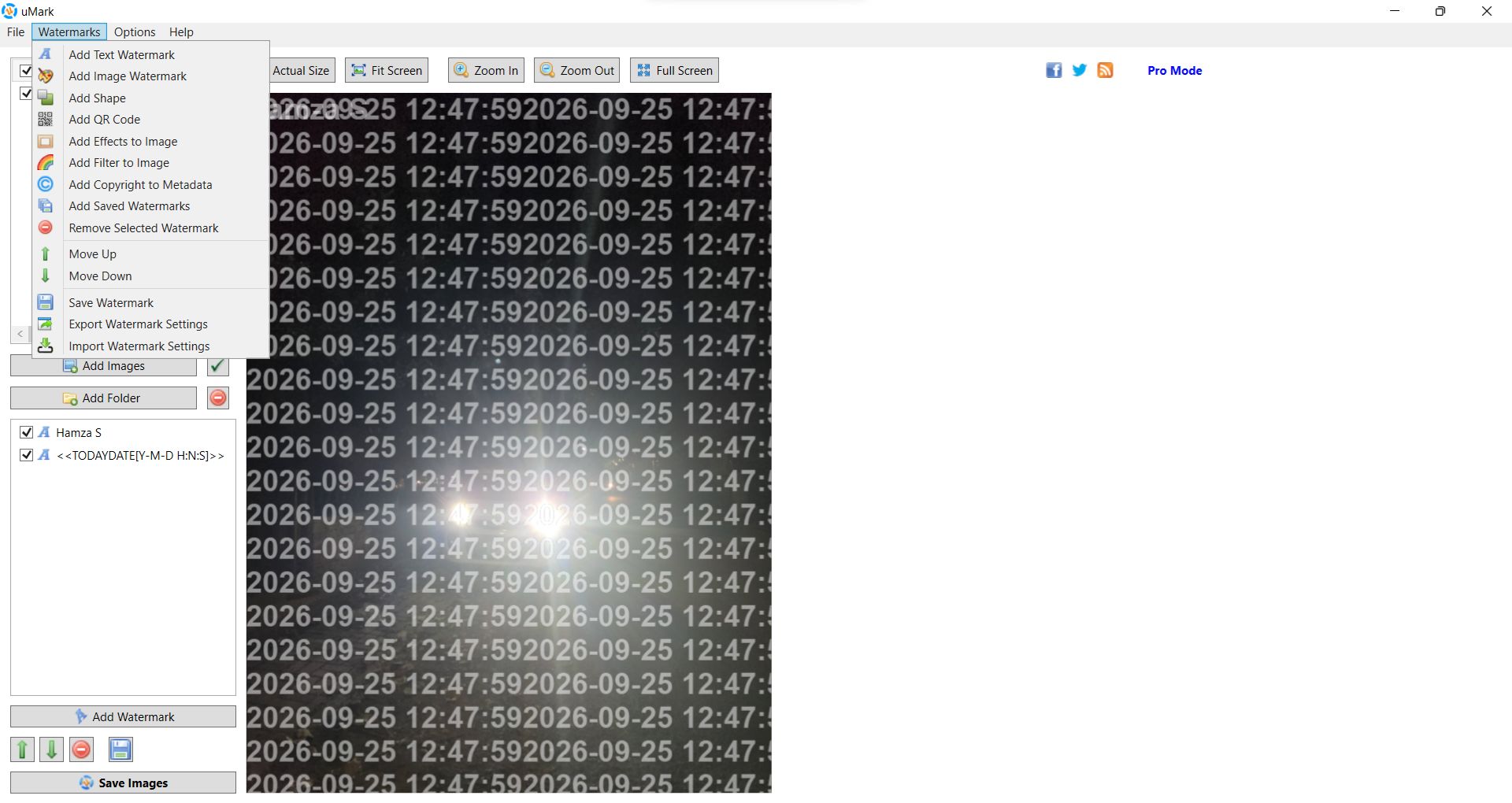
uMark is a batch photo watermarking application for Windows designed for photographers, designers, businesses, and enthusiasts who want to brand and own their images quickly. In an era where digital content is copied and stolen effortlessly, watermarking is vital if you want your photos to be secure. You can simply stamp your authority on the photos by adding visible watermarks.
In terms of the watermark itself, you can choose from a variety of options such as text, shape, timestamp, company logo, or a copyright notice. The best part is that you can do this in batches. You don’t have to process single photos. After that, you can share the content anywhere online or offline without worrying about it.
For anyone handling large libraries of product photos, real estate listings, or event photography, uMark is an essential time-saver that ensures consistent branding across your entire catalog.
High-volume batch processing
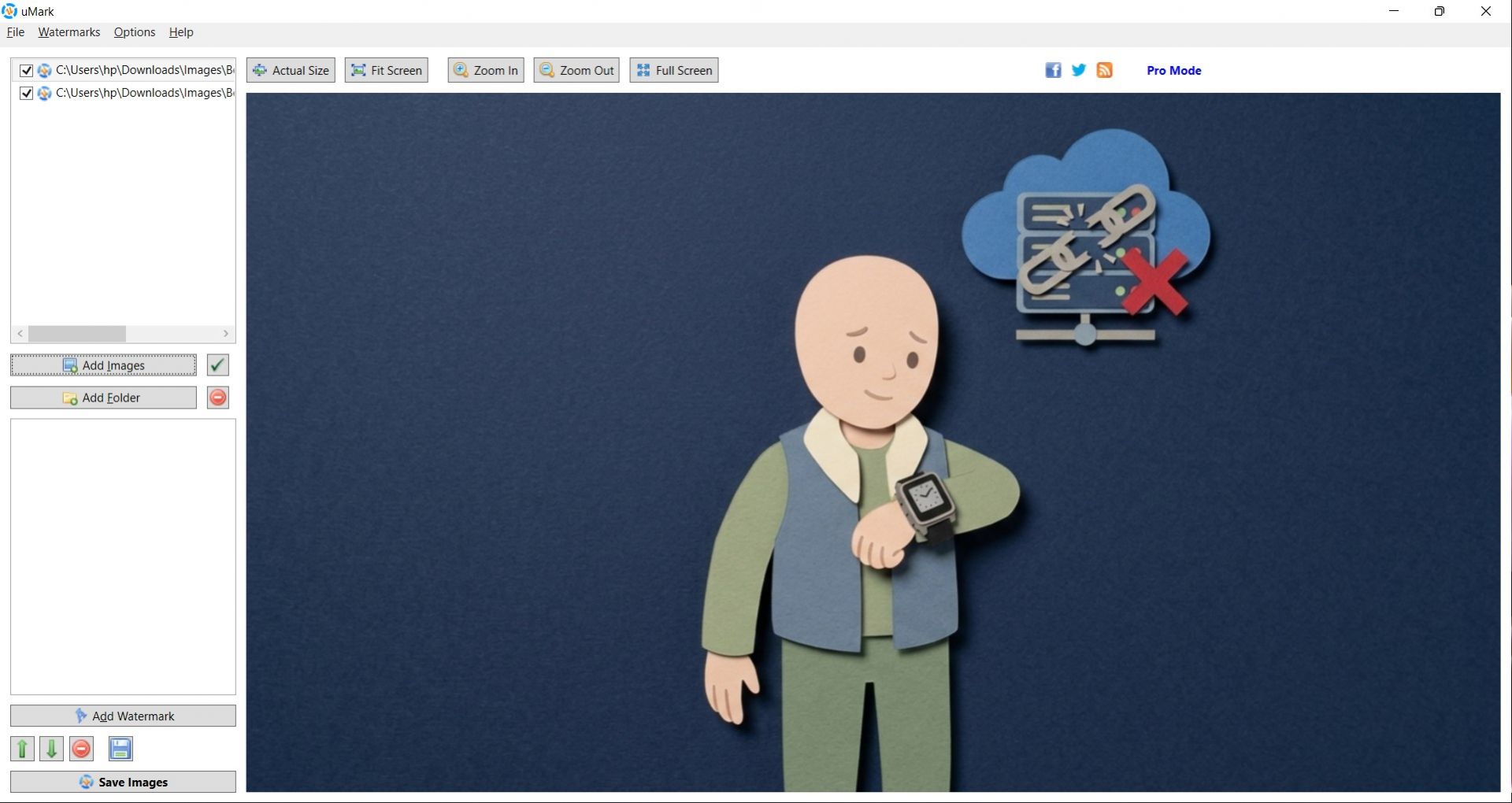
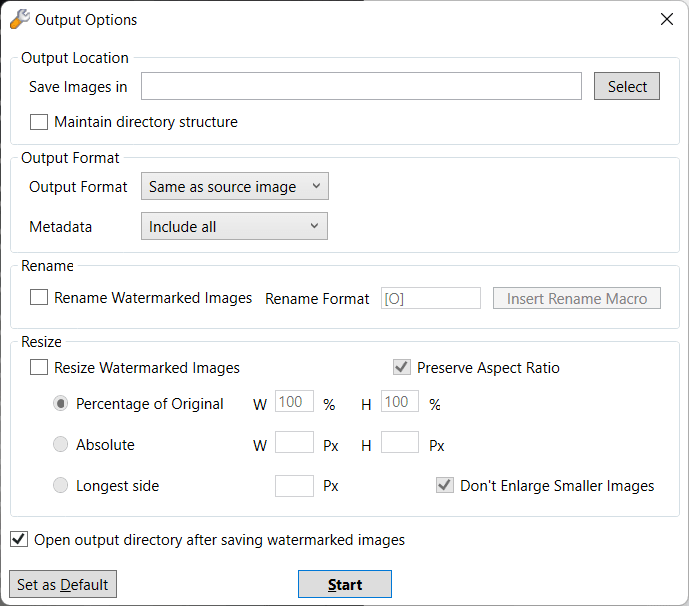
While there are other applications available to apply watermarks to your photos, the core strength of uMark lies in its batch capabilities. You can load entire folders (and subfolders) of images and apply your customized watermark to all of them in a single click. Alongside watermarking, the software also includes options to batch resize, rename, and convert image formats at the same time, making it a highly efficient pre-publishing tool.Multiple watermark types
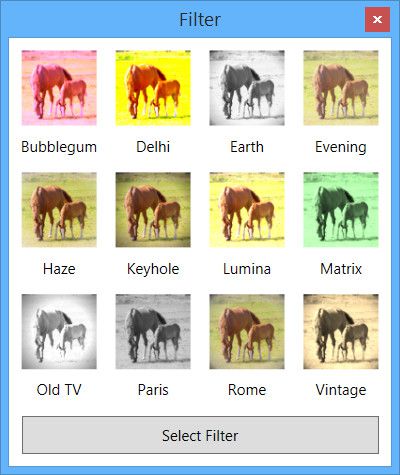
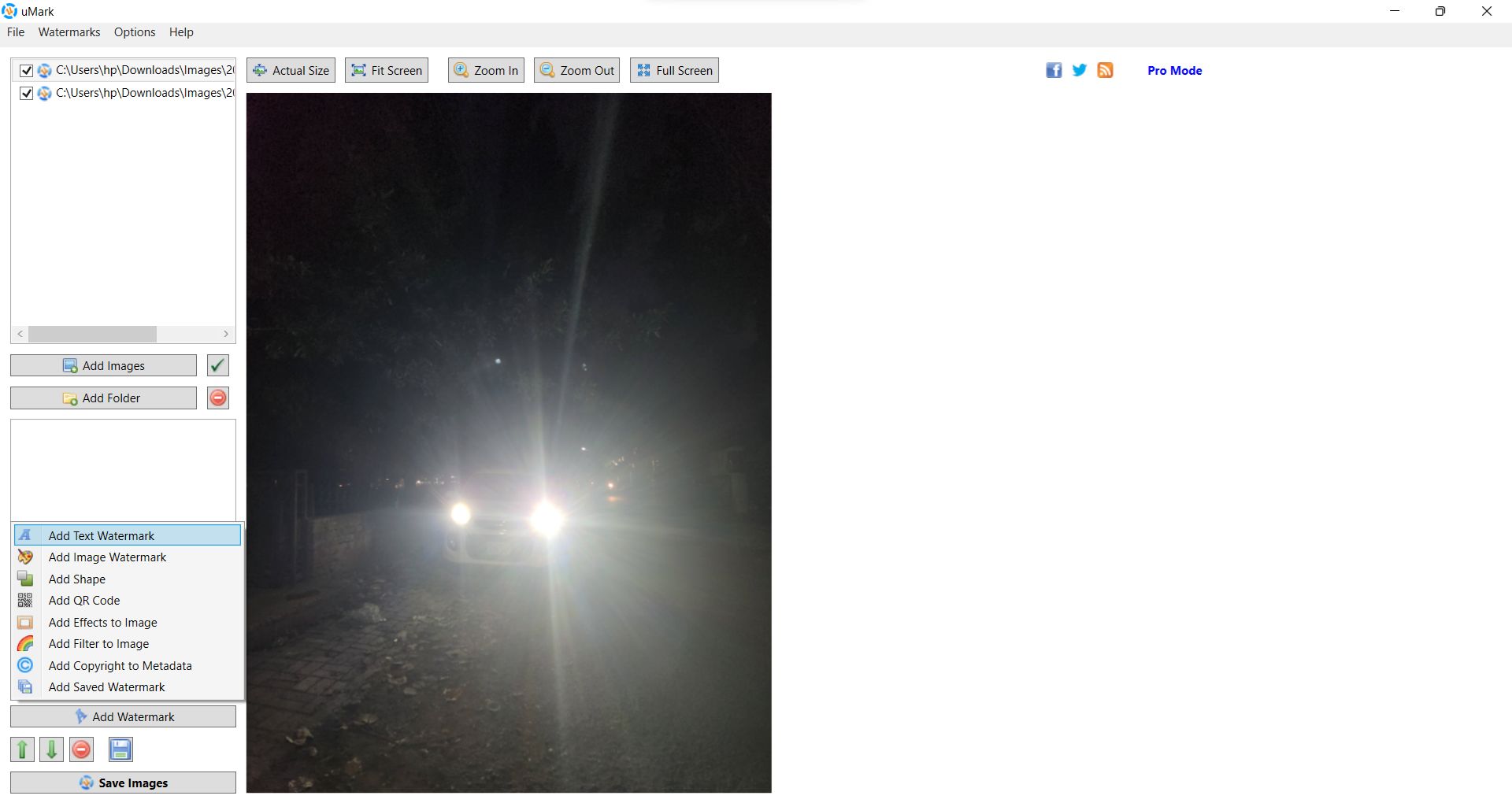
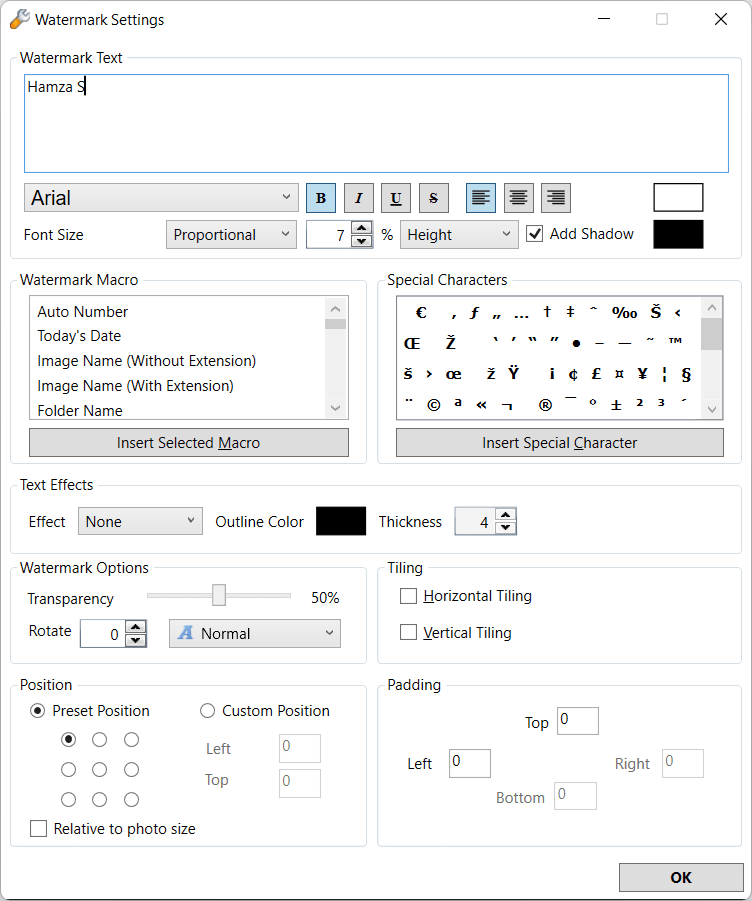
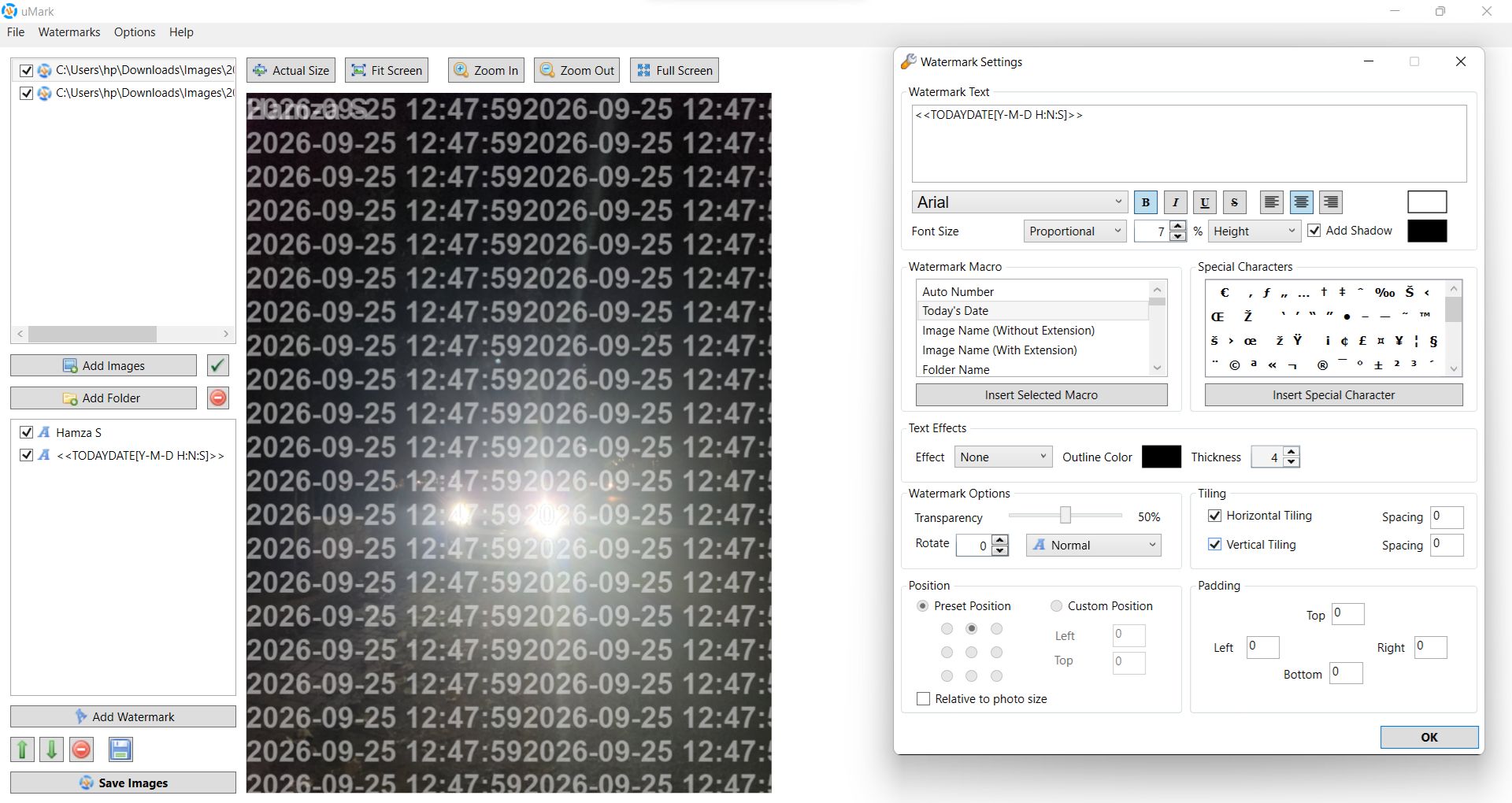
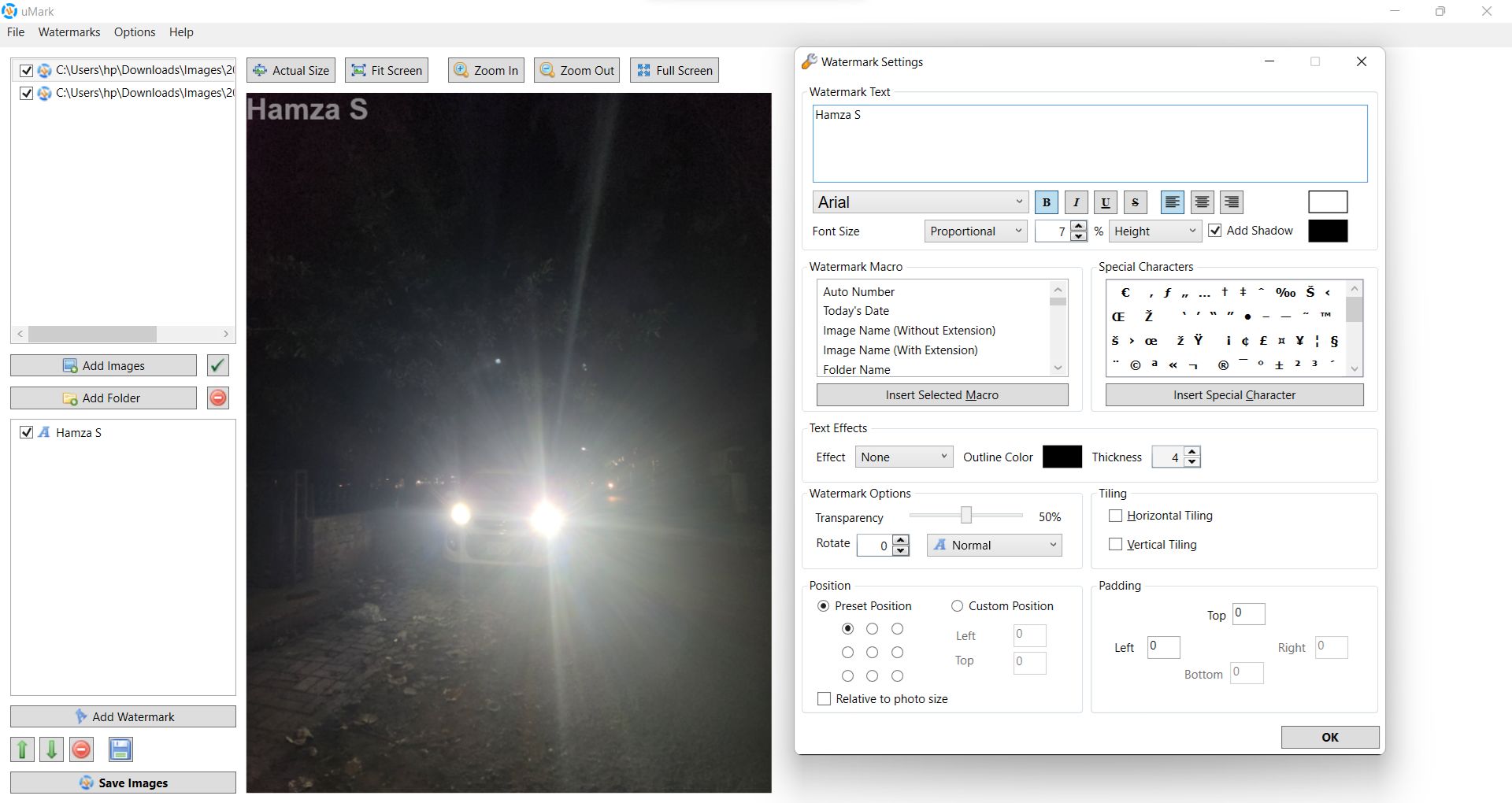
uMark goes far beyond basic text in terms of watermarking options. You can add image logos, geometric shapes such as rectangles and circles, automatic numbering, custom text with adjustable fonts and shadows, and so much more. It also supports the generation of QR code watermarks, which allow viewers to scan a photo to open a custom webpage or contact details using the code.
It can also automatically pull EXIF metadata (like camera settings or date taken) and stamp it directly onto the image.Reusable templates and presets
Once you have meticulously designed the perfect watermark with your preferred opacity, rotation, and placement, uMark allows you to save those exact settings as a preset template. The next time you have a batch of photos to protect, you simply load the saved preset and apply it in seconds without having to rebuild the watermark from scratch.Non-destructive workflow
Security doesn't just mean protecting against theft; it means protecting your original files from accidental overwrites. uMark operates entirely non-destructively. It never modifies your original photographs; instead, it generates new, watermarked copies and saves them in a separate designated folder, ensuring your pristine originals remain untouched.15-day free trial with one-time licenses
uMark offers its users a fully functional 15-day free trial, after which you can pay for a one-time perpetual license. The price for that varies based on the number of PCs you want support for, ranging from 1 to 10 PCs.A reliable choice for brand protection
uMark is an excellent, purpose-built utility for Windows users who need to protect and brand large quantities of images efficiently. It is particularly well-suited for professional photographers, e-commerce sellers, and social media managers who find themselves repeatedly adding logos or copyright text to their content. Note that it is not a full photo editor, so if advanced retouching is your requirement, this may not be the option for you.